
Opera
Opera is a free web browser for Windows from Opera Software. The stable release is 136.0.6008.22, published on 17 September 2026.
133.1 MB

Google Chrome Dev is the developer channel of Google Chrome for Windows, updated frequently with features that are still being built.
Average 0.0 · ratings: 0
Thank you! Your rating is saved; you can change it. Could not save the rating. Please try again later. Too many ratings from your network today. Please try again tomorrow. The average appears after 5 ratings.
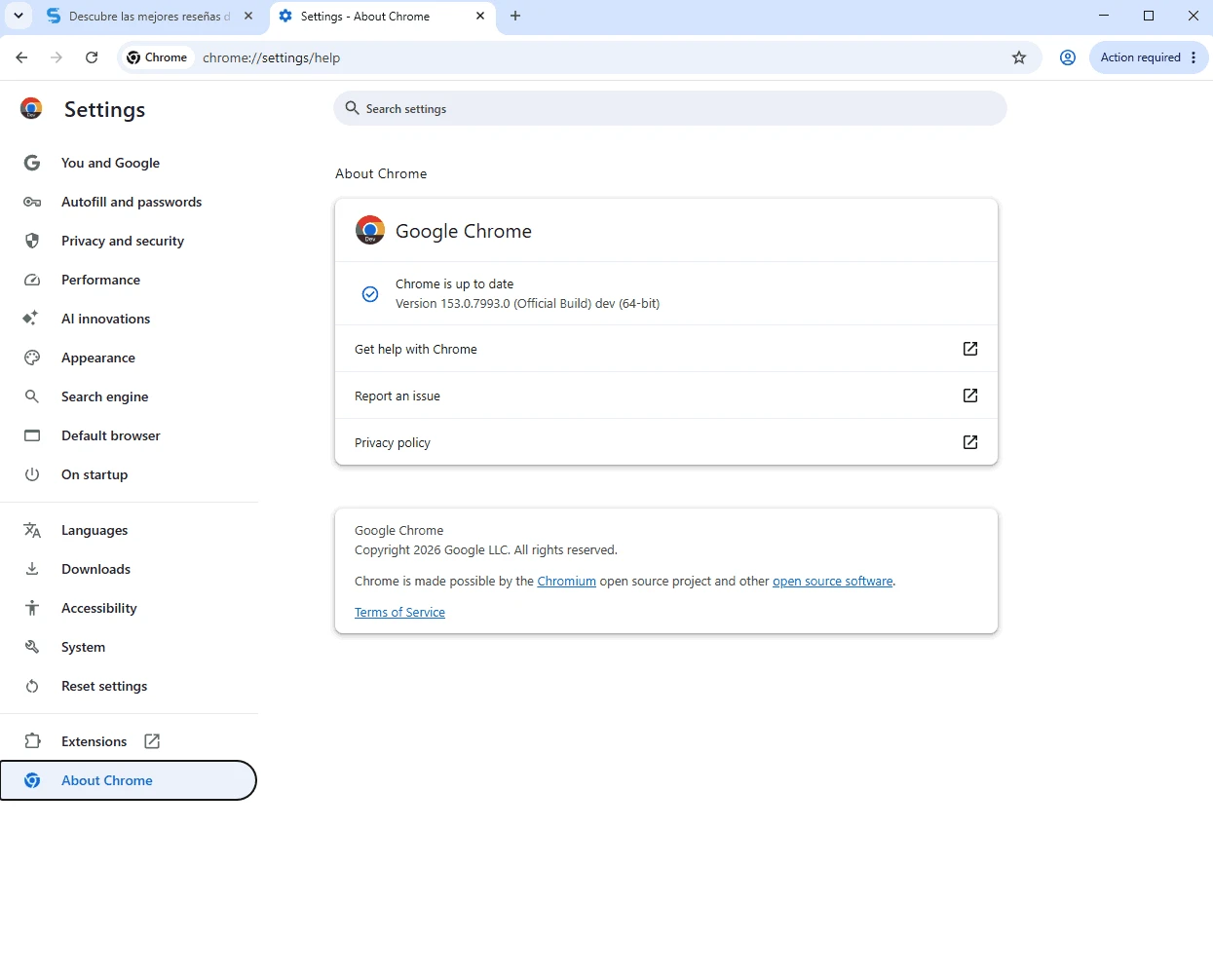
Google Chrome Dev 155.0.8048.0 is the developer channel of Google's Chrome browser for Windows. You download Chrome Dev to see new browser features while they are still being built, test sites and extensions against them early, and send feedback before those changes reach Beta and Stable.
| Item | Details |
|---|---|
| Version | 155.0.8048.0 |
| Developer | Google LLC |
| Engine | Chromium |
| Chrome first released | 2 September 2008 |
| Windows (Intel) | Windows 10 and up, Pentium 4 or later with SSE3 |
| Windows (ARM) | Windows 11 and up |
| Other systems | macOS Big Sur 11 and up, Linux |
| Licence | freeware |
| Size | about 160.85 MB according to catalogue data |
Chrome moves through four release channels. Canary gets a new build almost every day, straight from the latest code. Dev follows at a calmer pace, usually with weekly updates, and is roughly one major version ahead of Beta. Beta prepares the next Stable release, which is the version most people use. For comparison, at the time of writing Stable was at 154.0.8037.58 and Beta at 155.0.8059.16, both from late September 2026. Dev is the right place for web developers and extension authors who need to see upcoming platform features, such as new CSS or JavaScript APIs, DevTools improvements and changes in how pages are rendered, without the daily risk of Canary. Many experimental functions can be enabled through the chrome://flags page. Chrome Dev installs next to your normal Chrome with a separate icon and profile, so the two do not share data unless you sign in to sync.
Google's installation help covers the requirements.
Dev builds are tested less than Beta or Stable and can break sites, extensions or sync. Keep a stable browser for banking and important work, and download only from google.com.
Create a separate profile in Chrome Dev without your personal extensions, so you see pages the way ordinary visitors will. When something breaks, compare with stable Chrome and search the Chromium bug tracker before filing a report. If a build is unusable, wait for the next weekly update or switch to Beta for a while; your Dev profile will still be there when you come back.
Chrome Dev is free.
Other preview browsers on our site include Google Chrome Beta, Google Chrome Canary and Firefox Developer Edition. Chromium is the open-source base.
Opera is a free web browser for Windows from Opera Software. The stable release is 136.0.6008.22, published on 17 September 2026.

UC Browser for Windows is the desktop version of the web browser from UCWeb, a Chinese mobile internet company.

Google Translate is Google's multilingual machine translation service, used on Windows through the website and a browser extension.

Microsoft Edge is Microsoft's web browser, preinstalled on current Windows versions and available as a free download for reinstalling or updating.

Mozilla Firefox is a free and open-source web browser developed by Mozilla, available for Windows, macOS, Linux, Android and iOS.

Google Chrome is the free web browser from Google. The stable Windows release is 154.0.8037.58, out since 22 September 2026.

Cent Browser is a free Chromium-based browser for Windows from Cent Studio that adds mouse gestures, tab tweaks and other power-user options.